
Capture any web page, top to bottom
ScrollShot scrolls the page for you, joins the pieces into one tall image, and lets you mark it up and save it as PNG, JPG or PDF.
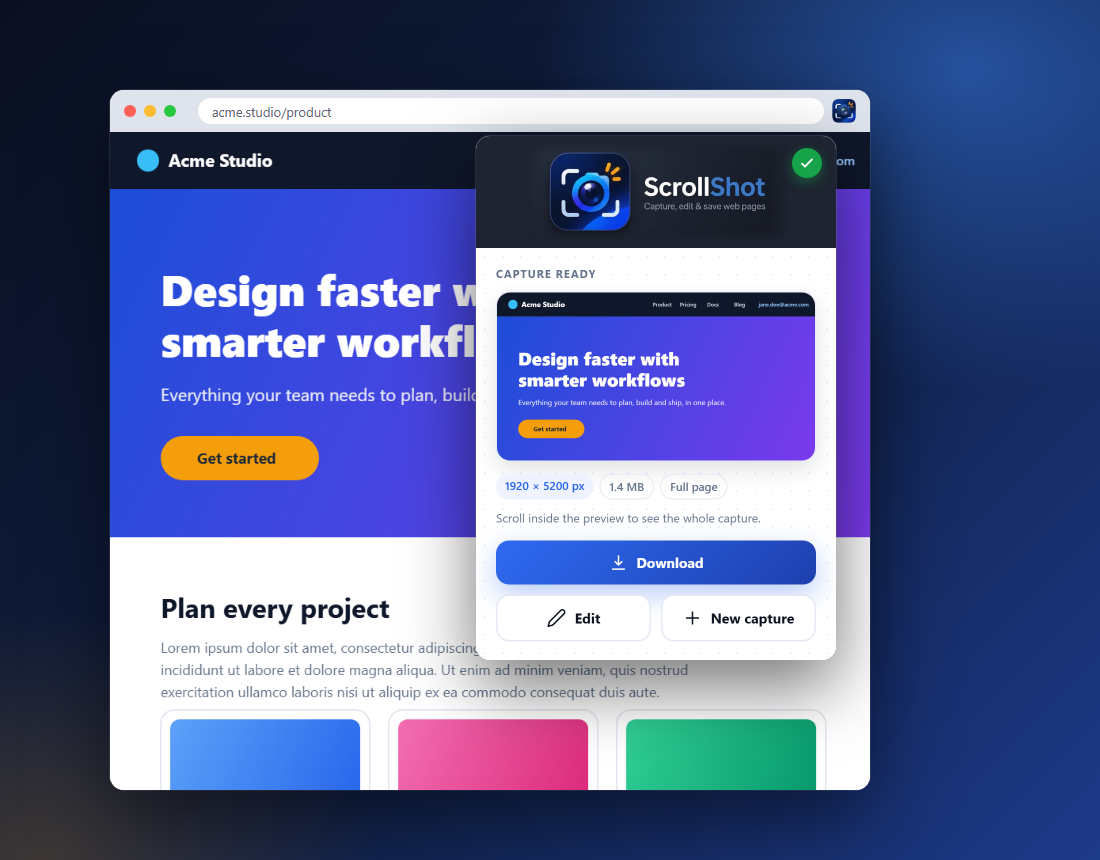
Everything from capture to file, in one place
No second app, no upload, no account.
Capture
- Full page: scrolls for you
- Visible area: what you see now
- Selected area: drag a box; the page scrolls as you drag
- Works on pages that scroll inside a panel or frame
- Removes sticky headers and scrollbars
Edit
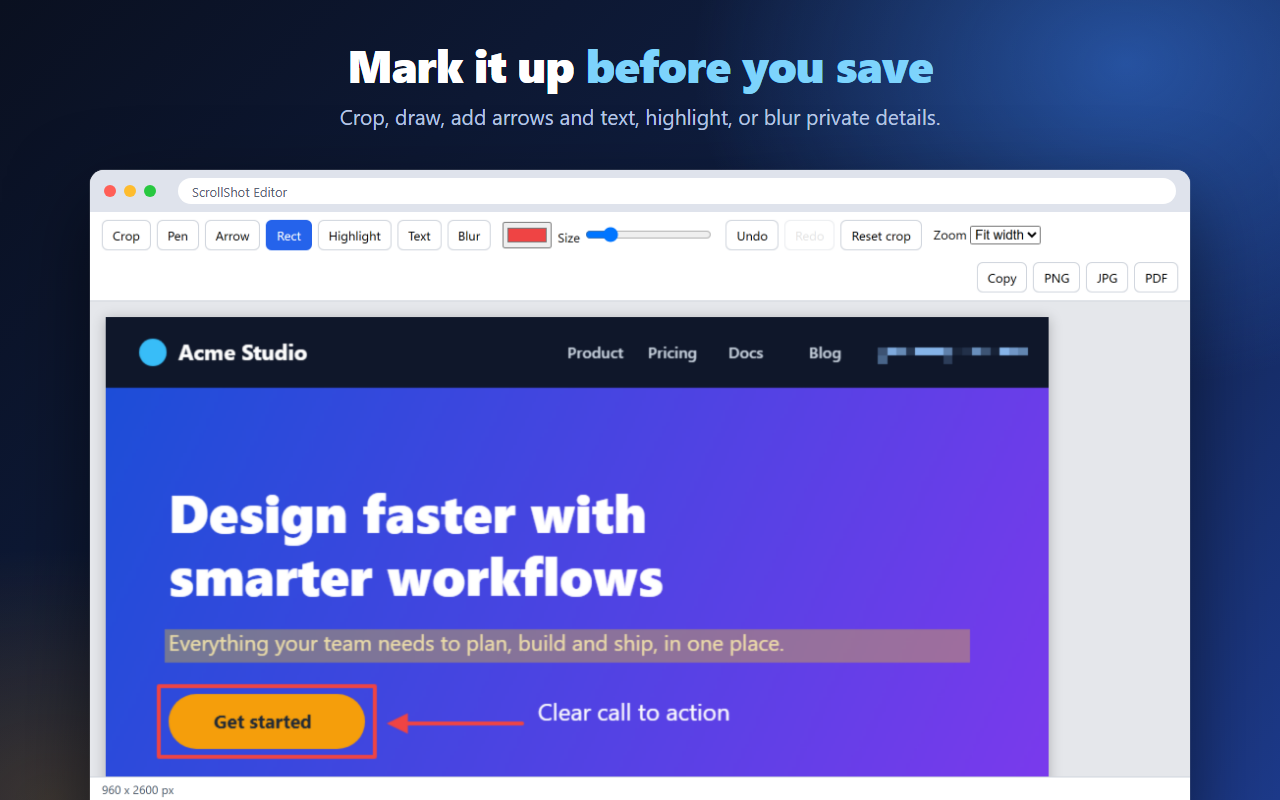
- Crop, pen, arrow, rectangle
- Highlight and text
- Blur private details
- Undo and redo
- Zoom and auto-scroll on long images
Save
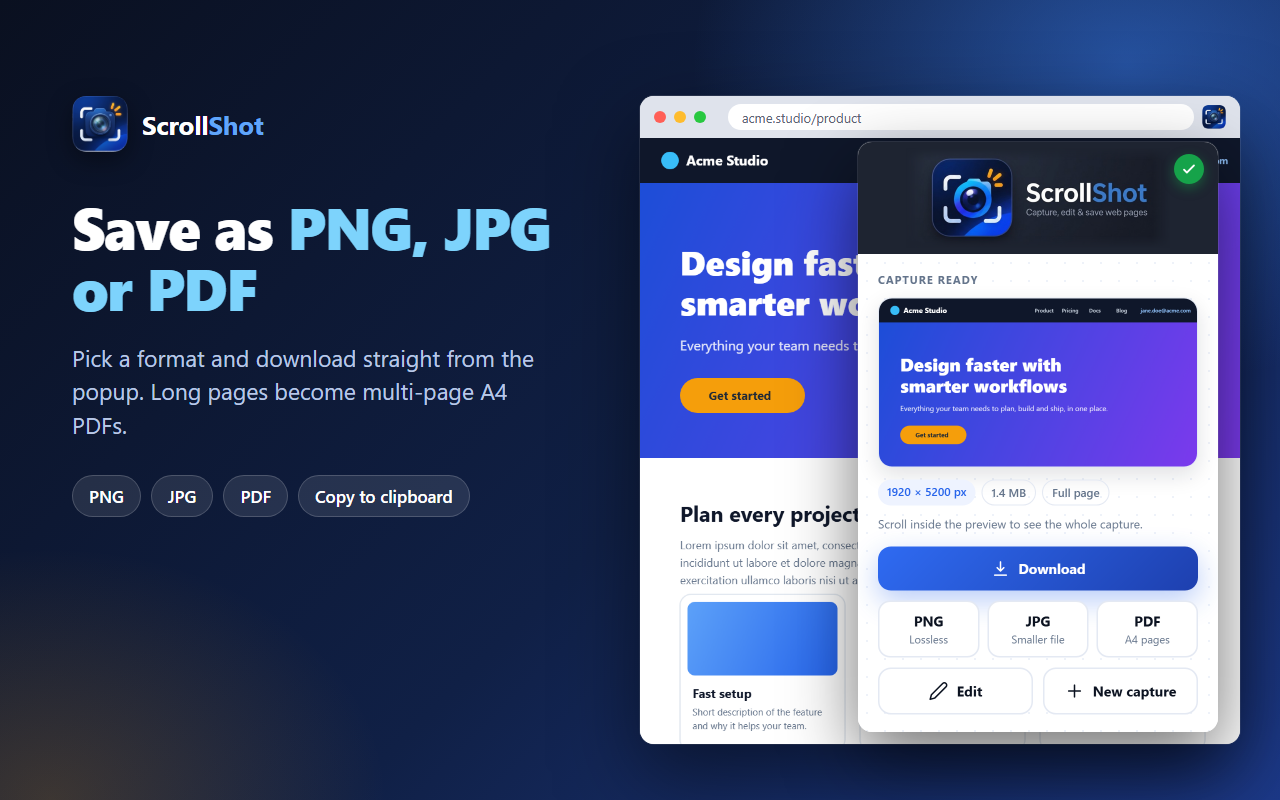
- PNG: lossless
- JPG: smaller files
- PDF: multi-page A4
- Copy to the clipboard
- Download straight from the popup
See it in action
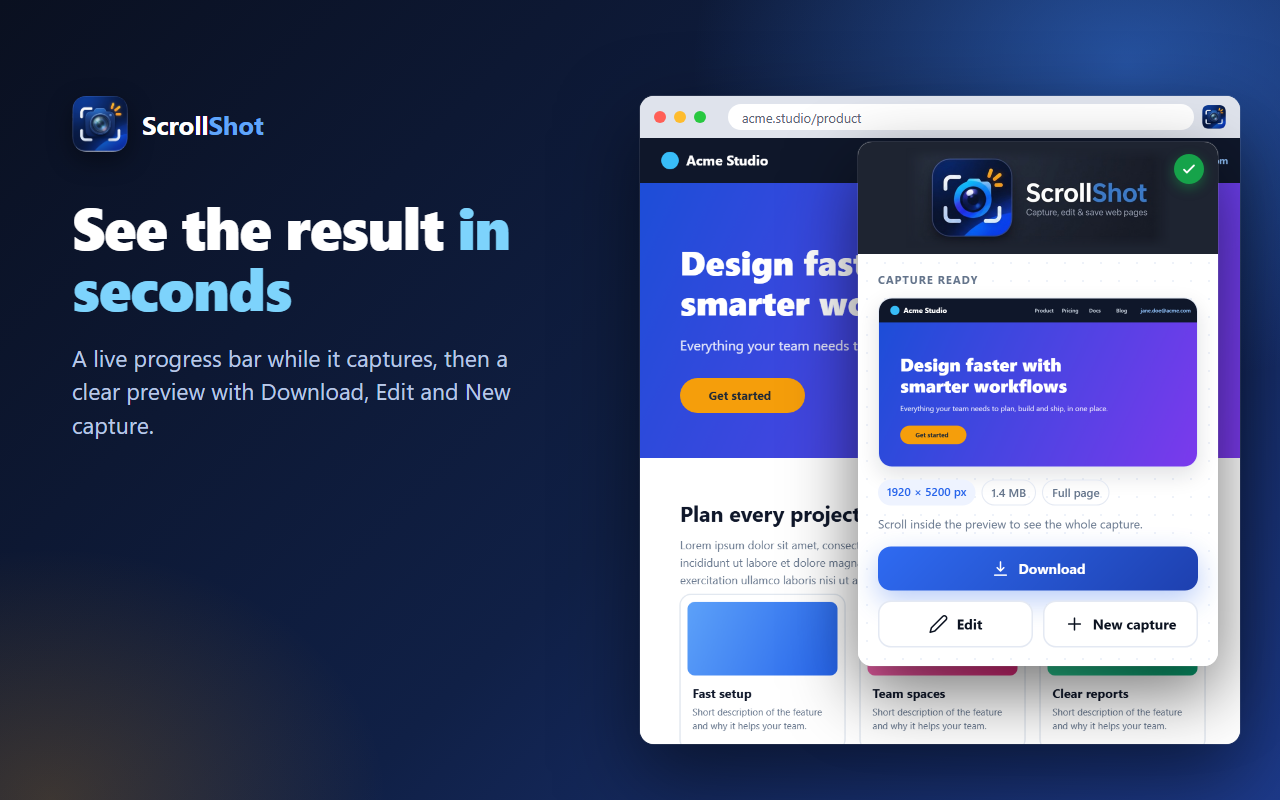
A live progress bar while it captures, then a preview you can download, edit or discard.
Keyboard shortcuts
Start a capture without opening the popup. You can change these in chrome://extensions/shortcuts.
| Shortcut | What it does |
|---|---|
| Alt + Shift + S | Capture the full page |
| Alt + Shift + A | Capture a selected area (press Esc to cancel) |
Private by design
Everything happens on your computer. ScrollShot does not collect, store or send your screenshots or browsing data. It makes no network requests and has no account, ads or tracking. Read the privacy policy.
Questions
Why does ScrollShot ask to access all sites?
Many pages, such as course players and web apps, keep their long content inside an embedded frame from another site. To scroll that frame, ScrollShot needs access to it. The access is used only after you start a capture, and nothing is read, stored or sent anywhere.
Which pages can't be captured?
Chrome does not let any extension run on chrome:// pages or on the Chrome Web Store. ScrollShot can't capture those, so its buttons are greyed out there with a short message. Google Sheets is supported only with Visible area, because its grid can't be scrolled like a normal web page. For pages ScrollShot can't capture, use Chrome's own tool: open DevTools, press Ctrl+Shift+P and choose “Capture full size screenshot”.
How long a page can it capture?
Long pages work, up to about 40 screens. If a page is longer, ScrollShot captures the first 40 screens and tells you. If an image would be taller than about 16,000 pixels, it is scaled down slightly to fit the limit Chrome sets for images.
Where do I report a problem or ask for a feature?
Open an issue on the support page. If you can, tell us the website address and what you expected to see.